Shapes vs. real redaction in Preview
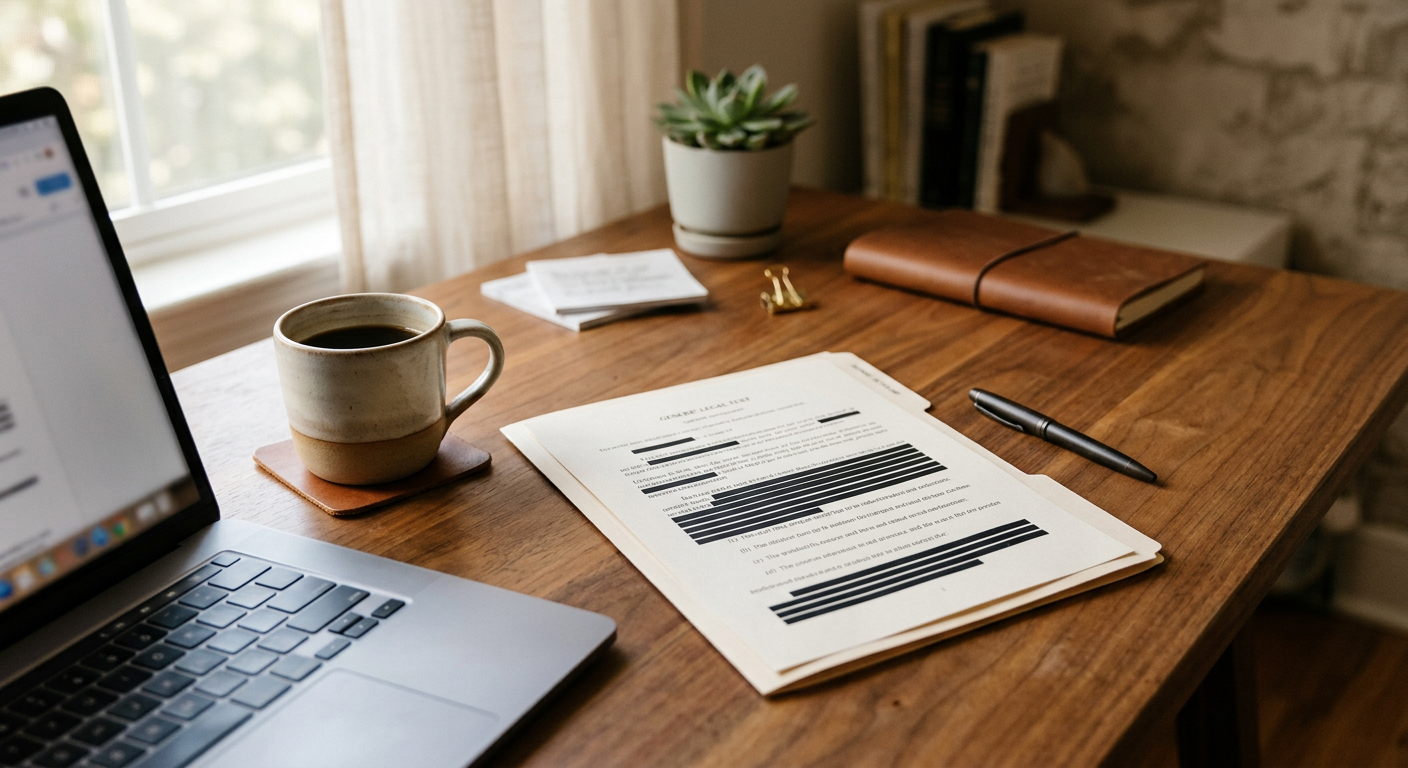
Preview’s Markup toolbar lets you draw a rectangle and fill it with black. That adds a shape on top of the page — the text below is untouched, and anyone can move the shape or copy the words beneath it. This is the most common way Mac users accidentally leak redacted information.
Recent versions of macOS Preview include a dedicated Redact option (in the Tools menu). Unlike a shape, it is designed to remove the selected text when the file is saved. Even so, it is easy to mix the two up, miss a spot, or leave comments and file details behind — and older files may have been made with the shape method.
Before you send anything, check the saved PDF. RedactionCheck tests every black area on every page and tells you whether the text underneath can still be copied. It also lists any shapes, comments, and hidden file details still in the document.
If something is found, use “Fix & download” to rebuild each page as an image. The download works like any other file on your Mac, and it never leaves your computer during the process.