RedactionCheck
Check a PDF

A free PDF redaction checker that never uploads your file

Drop in a redacted PDF and get a plain answer: safe to share, or not. Every check happens on your own computer — the file is never sent to us or anyone else.

Private by design — your PDF is checked on your computer and never uploaded

Check a redacted PDF

Works with your Wi-Fi off. Proof your file never leaves this computer.

Free: 0 of 2 files · 0 of 25 pages used this session. The sample is always free.

Free session limit reached

Pro Unlimited — $29/mo

The free tier covers 2 files and 25 pages per browser session.

  • Unlimited files and pages per session
  • Bulk productions — flatten hundreds of PDFs into one ZIP
  • Audit certificates with SHA-256 chain of custody
  • Still 100% local. Pro never uploads your files either.
Upgrade to Pro Unlimited

What a redaction checker looks for

A redaction checker answers one question: if I send this file, can anyone read what I meant to hide? Looking at the page is not enough, because a PDF can show a black box while still storing the words underneath. Anyone who receives the file can select that area, copy it, and paste the hidden text somewhere else.

RedactionCheck runs four checks on every page. It looks for words that sit under solid black or dark boxes. It looks for text that is invisible — white on a white page, or placed outside the visible edge. It lists redaction marks that were drawn but never applied, plus comments and highlights that often repeat the very details being withheld. And it reads the file’s hidden details, such as author name and title, which can reveal a client or case.

Most “free PDF tools” online work by uploading your document to their servers. For a sealed filing, medical record, or settlement agreement, that upload is itself a disclosure. RedactionCheck works more like a calculator app: the checking happens inside this browser tab. You can prove it by turning off your Wi-Fi before you drop in a file — it still works.

If the check fails, use “Fix & download” to rebuild every page as a clean image. The new file has no hidden text, no comments, and no file details, and you get a certificate with a unique fingerprint of each file for your records.
Private & secure

Your document never leaves your computer. Not to us. Not to anyone.

Most “free PDF tools” quietly upload your file to their own servers to do the work. For a sealed filing, medical record, or confidential settlement, that upload is itself a leak. RedactionCheck works like a calculator on your desk: everything happens on your machine. Your files never leave your browser.

We use Google Analytics in cookieless mode to count anonymous page views. No cookies are set and no document content is ever sent.

  • Never uploaded
  • No account or email
  • We never see your files
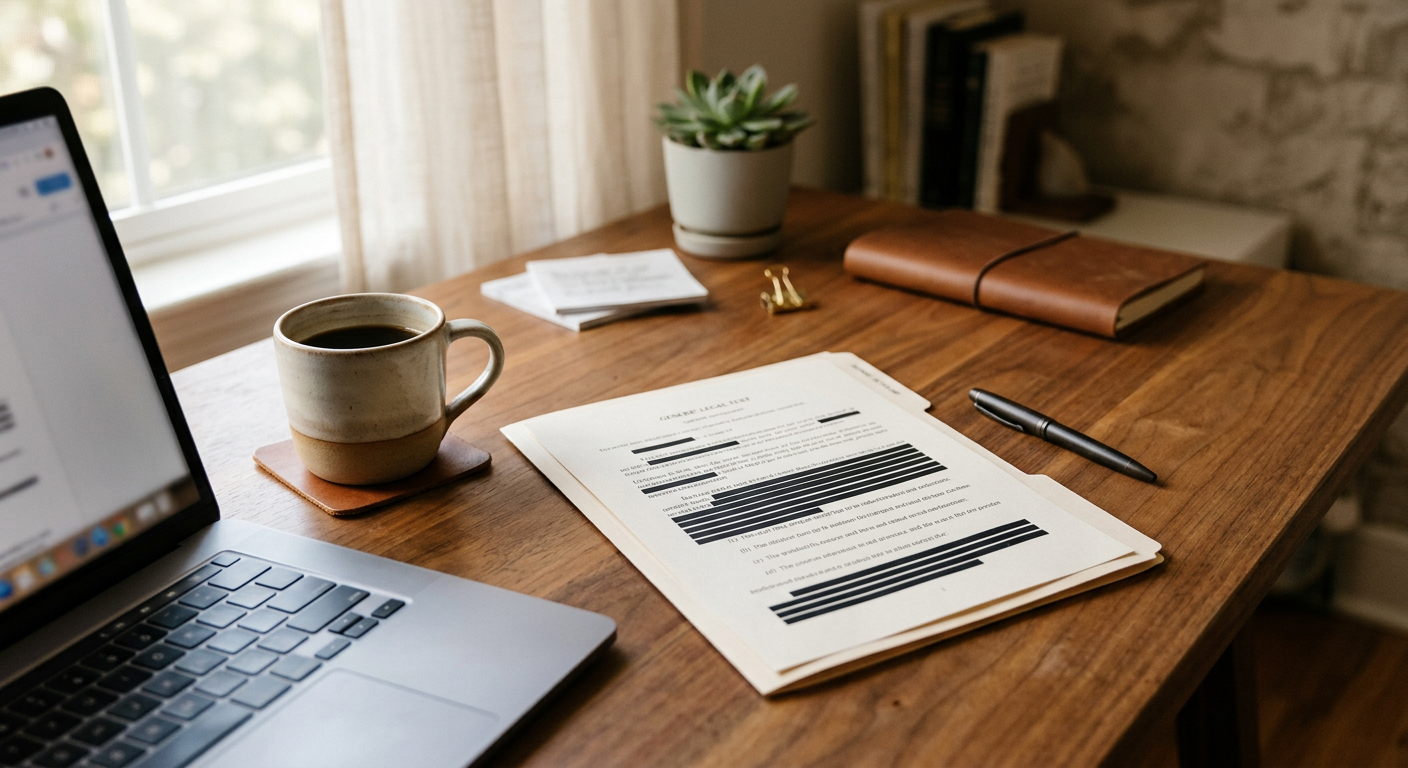
A printed legal document with black redaction bars on a desk beside a laptop

Most online PDF tools

  • Your file travels across the internet
  • It lands on a company’s computer you’ve never seen
  • You have to trust they delete it

RedactionCheck

  • Your file stays on your computer
  • It’s checked right here in this browser tab
  • Close the tab and it’s gone — nothing to delete

Don’t take our word for it. Test it in 30 seconds.

“Offline” simply means it works without the internet. If it works with your Wi-Fi off, your file can’t possibly be going anywhere.

  1. 1Keep this page open.
  2. 2Turn off your Wi-Fi, or unplug your internet cable.
  3. 3Drop in a PDF. It still works — because nothing is being sent.

Questions, answered

Is this PDF redaction checker really free?

Yes. You can check 2 files and up to 25 pages per session for free, with no account. The sample file is always free. Pro Unlimited removes the limits for large productions.

Do you see or keep my document?

No. The file is read by your own browser and never sent anywhere. We have no server that receives documents. When you close the tab, it is gone.

What does a “fail” result mean?

It means at least one piece of text that looks hidden can still be copied out of the file. Treat that document as not redacted until you fix it.