RedactionCheck
Check a PDF

Check and clean redacted PDFs without Adobe Acrobat Pro

No Acrobat Pro seat on this machine? Verify that redactions applied correctly and produce sanitized, flattened PDFs using only your browser — no install, no account, no upload.

Private by design — your PDF is checked on your computer and never uploaded

Check a redacted PDF

Works with your Wi-Fi off. Proof your file never leaves this computer.

Free: 0 of 2 files · 0 of 25 pages used this session. The sample is always free.

Free session limit reached

Pro Unlimited — $29/mo

The free tier covers 2 files and 25 pages per browser session.

  • Unlimited files and pages per session
  • Bulk productions — flatten hundreds of PDFs into one ZIP
  • Audit certificates with SHA-256 chain of custody
  • Still 100% local. Pro never uploads your files either.
Upgrade to Pro Unlimited

How this compares to Acrobat’s Redact and Sanitize workflow

Acrobat Pro’s redaction workflow is two-step: you mark areas for redaction, then click Apply. Marked areas are stored as “Redact” annotations and look nearly identical to applied ones. If a reviewer saves without applying, the underlying text remains fully intact. Acrobat then offers a separate Sanitize Document command to remove metadata, hidden layers, and embedded content. Skipping either step is one of the most common causes of leaked filings.

Not every paralegal, contract reviewer, or co-counsel has a Pro license, and many receive redacted documents from others with no way to confirm they are clean. Free viewers can display redactions but cannot tell you whether text still exists beneath them. That gap is where RedactionCheck fits.

Instead of relying on how a file was created, RedactionCheck inspects what it contains. It detects unapplied Redact annotations, comments, highlights, and other markup; finds selectable text under dark regions or invisible on the page; and reports document properties such as Author, Title, Subject, Keywords, Creator, and Producer. Each finding is listed with severity and page, and the page preview outlines the affected region.

For remediation, RedactionCheck takes a different route than Acrobat’s Sanitize. Rather than editing the existing file’s internals, it rebuilds a new PDF from 200 DPI page images, so there is no text layer, no annotation, and no metadata to remove in the first place. Unapplied redaction marks are burned in as black so the reviewer’s intent is preserved. This is more conservative than object-level sanitization and works on files from any source.

If you do use Acrobat, RedactionCheck remains useful as an independent second check after Apply and Sanitize — a quick, separate verification before production is cheap insurance against a mis-click.
Private & secure

Your document never leaves your computer. Not to us. Not to anyone.

Most “free PDF tools” quietly upload your file to their own servers to do the work. For a sealed filing, medical record, or confidential settlement, that upload is itself a leak. RedactionCheck works like a calculator on your desk: everything happens on your machine. Your files never leave your browser.

We use Google Analytics in cookieless mode to count anonymous page views. No cookies are set and no document content is ever sent.

  • Never uploaded
  • No account or email
  • We never see your files
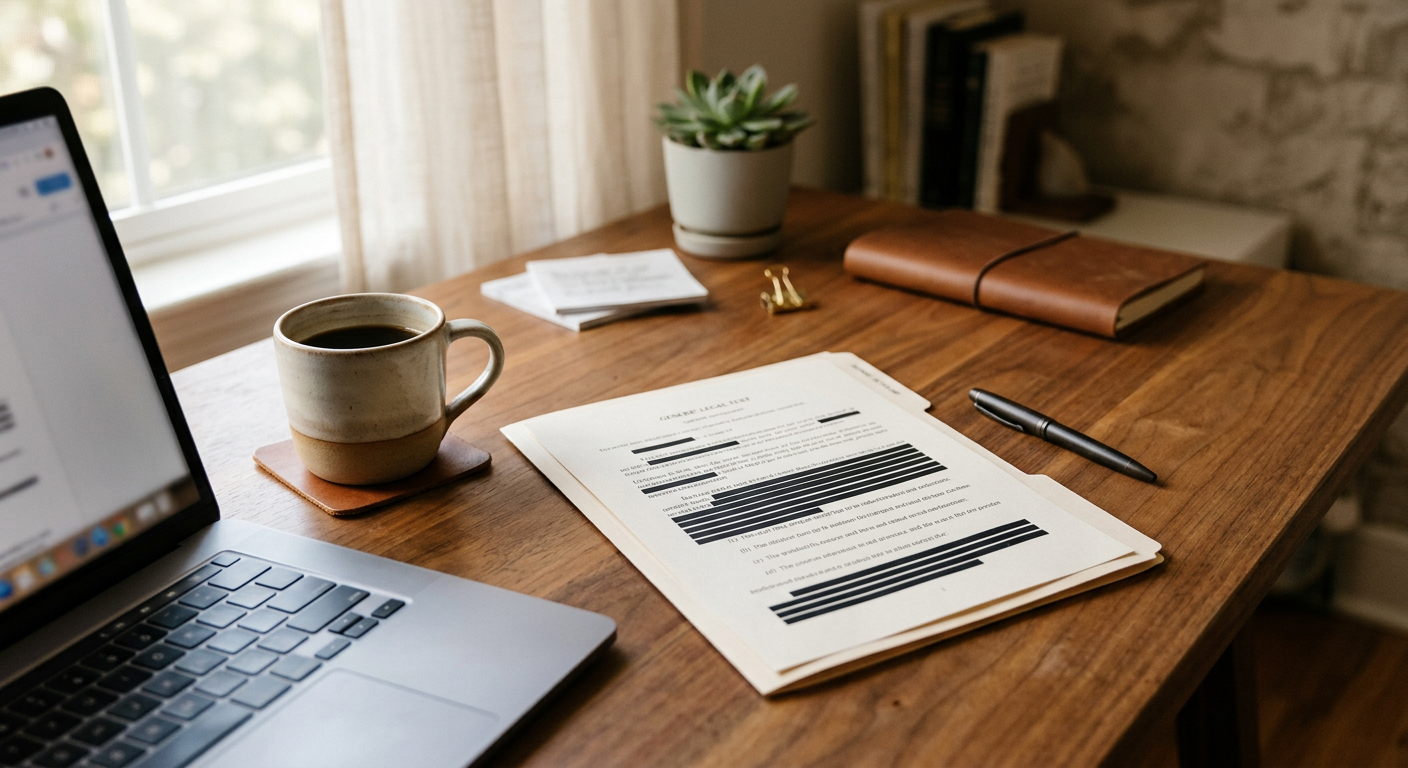
A printed legal document with black redaction bars on a desk beside a laptop

Most online PDF tools

  • Your file travels across the internet
  • It lands on a company’s computer you’ve never seen
  • You have to trust they delete it

RedactionCheck

  • Your file stays on your computer
  • It’s checked right here in this browser tab
  • Close the tab and it’s gone — nothing to delete

Don’t take our word for it. Test it in 30 seconds.

“Offline” simply means it works without the internet. If it works with your Wi-Fi off, your file can’t possibly be going anywhere.

  1. 1Keep this page open.
  2. 2Turn off your Wi-Fi, or unplug your internet cable.
  3. 3Drop in a PDF. It still works — because nothing is being sent.

Questions, answered

Is RedactionCheck a full replacement for Acrobat Pro?

For verifying redactions and producing flattened, sanitized output, yes. It does not offer pattern-based search-and-redact or editing; use it alongside whatever tool marks your redactions.

What happens to Acrobat Redact marks that were never applied?

They are flagged as unapplied redaction marks in the audit, and during flattening their areas are burned in as solid black so the content beneath is not exposed.

Does it remove metadata like Acrobat’s Sanitize Document?

The flattened output contains no document information dictionary and no XMP metadata. Author, Title, Subject, Keywords, Creator, and Producer are all absent.

Do I need to install anything?

No. It runs in any modern browser. After the page loads once, it works offline.